3uTools has become one of the most useful tools for Windows users who want more control over their iPhone, iPad, or iPod Touch. Apple gives users official tools like iTunes on Windows and Finder on macOS, but those tools have many limits. In comparison, 3uTools brings many advanced features together in one simple desktop program.
The software combines device management, firmware handling, diagnostics, file management, and many other useful functions in a single interface. As a result, users do not need to install several different programs to complete common tasks.
Whether someone wants to organize photos and music or repair an iPhone with firmware problems, 3uTools offers features that make these jobs much easier. It gives Windows users more freedom while still working with Apple’s ecosystem.
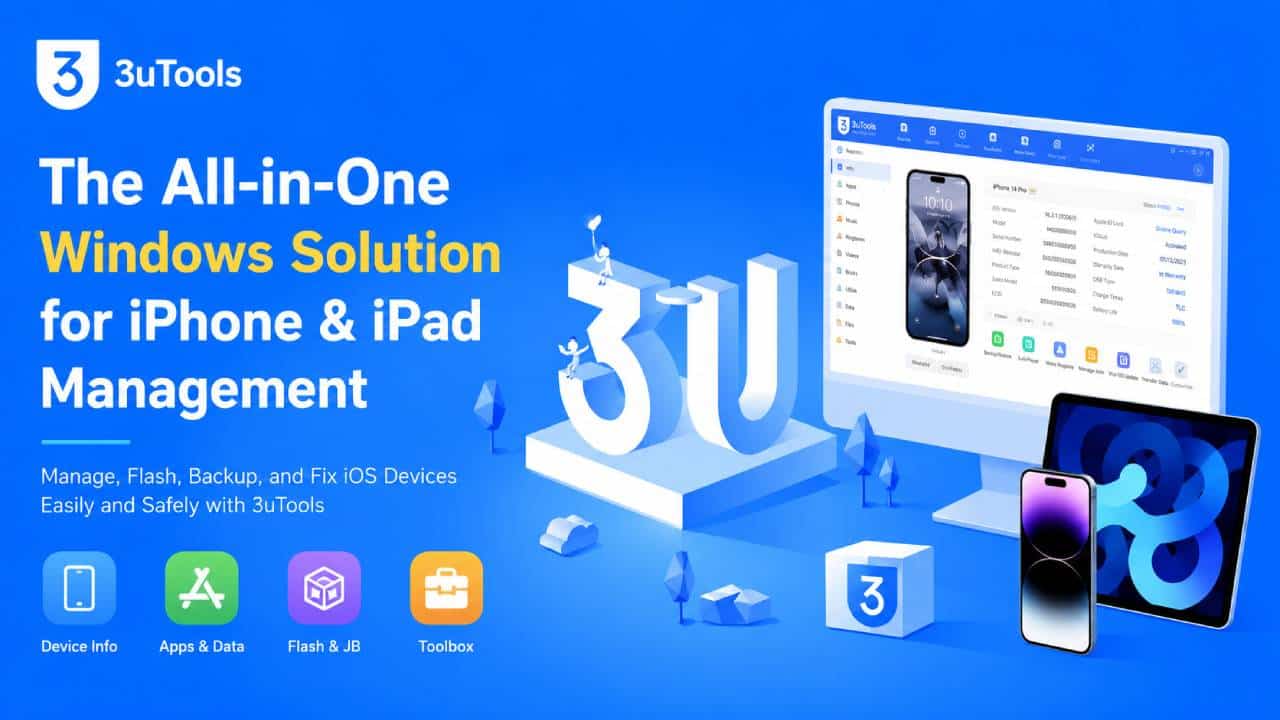
Core Features and How It Works
One of the biggest strengths of 3uTools is its clean layout. Instead of placing every feature on one screen, the software divides everything into four main sections: Device, Apps, Flash & JB, and Toolbox.
This simple layout helps both new users and experienced technicians find the tools they need without spending too much time searching through menus.
Device Information and Diagnostics
After connecting an iPhone or iPad, 3uTools quickly scans the device and displays detailed information. The software provides much more information than what users normally see in the iPhone Settings app.
Users can check several important details, including:
Hardware Information
The software shows battery health, battery cycle count, serial number, storage details, and other hardware information. This helps users understand the current condition of the device before making repairs or replacing parts.
Security Information
3uTools also displays the activation lock status, IMEI number, baseband version, and other important security details. These details are especially useful when checking a used device before buying or repairing it.
System Logs
The built-in syslog viewer helps technicians find hidden system errors and background crashes. Many of these problems do not appear inside the normal iOS settings, so the logs make troubleshooting much easier.
Firmware Management (IPSW)
Firmware management is one of the strongest parts of 3uTools. The software connects directly to Apple’s servers and downloads signed IPSW firmware files when they are available.
This removes much of the manual work that users normally face during firmware installation.
One-Click Flashing
The flashing process is simple. After downloading the correct firmware, users can choose either Quick Flash or Retain User Data mode.
Quick Flash performs a clean installation, while Retain User Data tries to keep personal files during the update whenever possible.
This simple process saves time and reduces mistakes that can happen during manual firmware installation.
Recovery Mode and DFU Mode Support
Entering Recovery Mode or DFU Mode can sometimes be confusing because the button combinations must be performed correctly.
3uTools solves this problem by showing clear step-by-step instructions on the screen. As a result, users can place the device into the correct mode with much less frustration.
Data Management and Media Tools
Besides firmware management, 3uTools also works as a complete media and file management program.
Users can manage many types of files without depending only on iTunes.
File System Access
The software lets users browse the device file system, export app data, transfer files, and create local backups.
This gives users more control over their stored data and makes backup management much easier.
Media Conversion
3uTools includes several built-in media tools.
For example, users can convert HEIC images into JPG files, extract audio from videos, and create custom ringtones.
Because these tools are already included, there is no need to install extra media conversion software for these common jobs.
Technical Performance and Safety
3uTools is available as freeware, and it offers many advanced features without requiring payment. However, users should still be careful before performing system-level operations.
The software gives powerful control over iOS devices, so using the correct settings is very important.
| Feature | Compatibility | Requirement |
|---|---|---|
| OS Support | Windows 7, Windows 8, Windows 10, Windows 11 | Direct USB connection |
| Device Support | iPhone, iPad, iPod Touch | Apple-certified cable is recommended |
| Firmware Actions | Depends on Apple’s signing status | Active internet connection for IPSW download |
Important Safety Information
Although 3uTools is powerful, some features should be used carefully.
Firmware Risks
Firmware flashing always carries some level of risk. A failed installation may cause data loss or require another restore.
For that reason, users should always create a full backup through the Backup/Restore section before starting any firmware operation.
A backup can save important photos, documents, contacts, and other personal data if something goes wrong.
Jailbreak Risks
3uTools also includes jailbreak-related functions.
Using jailbreak tools may cancel Apple’s warranty and may also reduce the security of the device.
Before using any jailbreak feature, users should understand the method being used and the possible risks involved.
Hardware Compatibility
Every iPhone and iPad model uses specific firmware versions.
Installing firmware that does not match the device model may cause boot loops or even leave the device unable to start.
Checking the exact model and processor before flashing firmware helps avoid these problems.
Who Should Use 3uTools?
3uTools is useful for many different types of users because it combines simple features with advanced system tools. You can easily 3utools Free Download from the official website.
Casual Users
People who simply want an easier way to transfer photos, manage music, create custom ringtones, or free up storage space will find 3uTools much easier than using iTunes alone.
The interface is simple, and many common tasks require only a few clicks.
Repair Technicians
Repair shops and technicians often rely on detailed device information during repairs.
3uTools helps identify hardware replacements, check battery condition, activate devices, and recover phones that no longer start properly.
These features save time during daily repair work.
Advanced Users
Power users often need more control than Apple’s official software provides.
3uTools supports app management, local backups, file system access, firmware flashing, and testing different iOS versions whenever Apple’s signing status allows those installations.
This extra control makes it useful for users who regularly work with iOS devices.
Solving Common Problems
Sometimes users may face problems while using 3uTools. Fortunately, many of these problems have simple solutions.
Device Is Not Detected
If the device does not appear inside 3uTools, first make sure the latest version of the software is installed.
Next, check that the Apple USB drivers are properly installed on Windows.
If necessary, reinstall or repair the drivers through the Toolbox section.
A different USB cable or USB port may also solve the problem.
Flash Failure
If firmware flashing fails, first check that the internet connection is stable.
An unstable connection may interrupt the IPSW download or Apple’s verification process.
It may also help to temporarily disable antivirus or firewall software if it is blocking communication during the flashing process.
Advanced Mode Errors
Users sometimes try to install an older iOS version.
However, Apple only allows installation of firmware versions that are currently signed.
If Apple has stopped signing a specific version, 3uTools cannot install it, regardless of the selected settings.
Final Thoughts
3uTools continues to be one of the best Windows utilities for managing iPhones, iPads, and iPod Touch devices. It successfully combines advanced device management, firmware handling, diagnostics, backup tools, media management, and troubleshooting features into one easy-to-use program.
Although firmware flashing and jailbreak functions should always be used carefully, the software offers a wide range of useful tools for both everyday users and experienced technicians.
For Windows users who want more control than Apple’s official software provides, 3uTools remains a reliable and practical all-in-one solution.